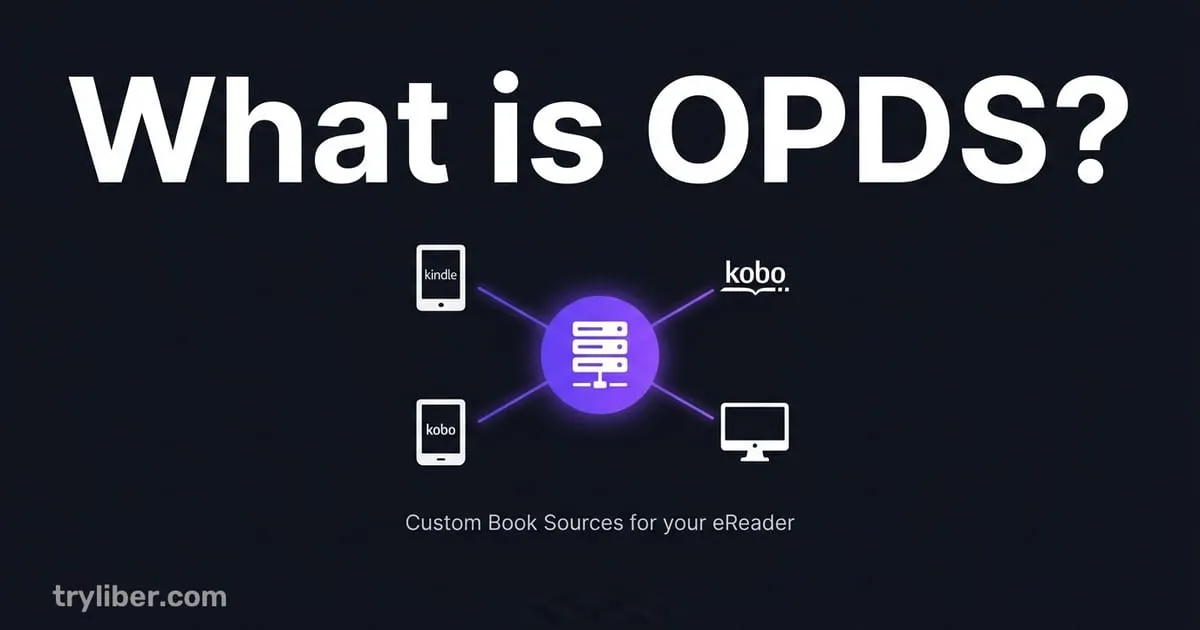
OPDS is, basically, RSS for books. Just as a feed reader brings you a site’s articles without you visiting it, an OPDS catalog gives your ebook manager direct access to a remote library: you browse, search and download without ever opening a browser.
It sounds technical, but it fixes something very concrete: the dance of “open the site, download, find the file in Downloads, import it, send it to the eReader” every single time you want a book.
How it works
OPDS (Open Publication Distribution System) is an Atom feed with extensions for books. Because it’s an open standard, plenty of software speaks it:
- Calibre-Web: a web interface for your Calibre library
- Kavita: a server for manga, comics and books
- Komga: much like Kavita, with the same focus on comics and books
- Reading apps such as Polar Bookshelf, KOReader and Aldiko
- Public libraries, which often publish their digital collections this way
- Curated archives like Standard Ebooks
An OPDS catalog address usually looks like this: https://yourserver.local:8083/opds
Paste that address into a compatible client and the whole catalog shows up, browsable and searchable, ready to download from right there.
OPDS vs downloading by hand
By hand, without OPDS:
- Open the server’s website.
- Log in and find the right section.
- Look for the book.
- Download it.
- Open your reading app.
- Import the downloaded file.
- Move it to your eReader.
With OPDS:
- Open the sources list in your reading app.
- Browse the server’s catalog.
- Download the book straight from it.
Seven steps down to three, and you never leave the app.
OPDS 1.x and OPDS 2.0
OPDS 1.x is the original, built on XML. Almost everything understands it, and it’s what Calibre-Web and most public libraries serve.
OPDS 2.0 is the newer version, built on JSON. It parses faster and lets catalogs carry more metadata, covers included. Modern servers like Kavita and Komga serve it.
In practice: if you want it to work everywhere, go with 1.x. If your server and your client both speak 2.0, even better, especially with big catalogs full of covers.
Public catalogs you can try today
You don’t need to run anything. There are public catalogs you can add right now:
Standard Ebooks: https://standardebooks.org/feeds/opds
Public domain classics, re-edited with more typographic care than anywhere else. Mostly EPUB.
Project Gutenberg: https://gutenberg.org/ebooks.opds/
The original ebook archive: over 70,000 public domain titles.
Feedbooks: https://www.feedbooks.com/books/recent.atom
A mix of public domain works and independent authors, in EPUB and PDF.
Your public library: many municipal and academic libraries in the US, UK and Europe publish an OPDS catalog for registered patrons. Worth asking.
Running your own server
If you want to reach your own library from outside the house, you need a server. There are three reasonable options.
Calibre-Web (github.com/janeczku/calibre-web) Puts a web interface on top of a Calibre library you already have. It gives you:
- A browser-based view of your library
- An OPDS 1.x feed at
/opds - Send-to-Kindle integration
With Docker, starting it takes one command:
docker run -d \
  --name calibre-web \
  -p 8083:8083 \
  -v /path/to/calibre/library:/books \
  lscr.io/linuxserver/calibre-web:latest
Once it’s running, the address to give your client is http://your-machine:8083/opds.
Kavita (kavitareader.com) Built for manga and comics. It handles CBZ and CBR much better than Calibre-Web.
Komga (komga.org) Very similar to Kavita, with more years behind it.
Catalogs that need a login
Most private servers ask for a username and password (basic authentication). In the client you fill in three things:
- URL:
https://yourserver.com/opds - Username: your server username
- Password: your server password
From then on the client logs in by itself every time you browse the catalog.
Security note: if you expose the server outside your home network, use HTTPS. An encrypted tunnel (Tailscale, WireGuard, Cloudflare Tunnel) takes care of it without you wrestling with certificates.
OPDS in Liber
Most OPDS clients show a catalog as what it technically is: an XML list of links. It works, but it feels closer to an FTP directory than to a bookshop. In Liber, a remote catalog looks like the rest of your library.
- It reads like a shelf, with covers and the same grid as your local books, not like a list of links.
- One click to own it. Browse a connected server (Kavita, Komga, Calibre-Web), click a book, and it lands in your library with its metadata. No trip through the Downloads folder.
- Tuned connections for Kavita and Calibre-Web, on top of generic OPDS, so covers and metadata arrive quickly.
If you already run a server, Liber is the client for it. And if you’d rather start with public catalogs, Standard Ebooks and Gutenberg are built in. See how it compares to the alternatives.