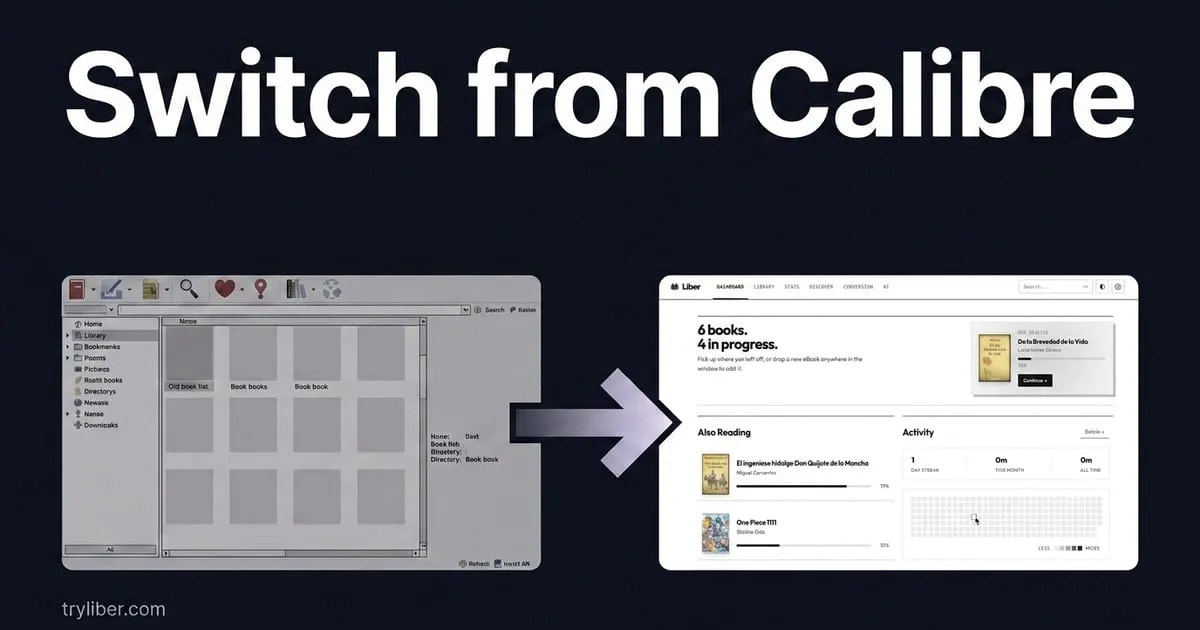
If you have used Calibre for years, the valuable part isn’t the files. It’s the metadata: the covers you fixed one by one, the numbered series, the tags that only make sense to you. That’s what makes switching feel risky: not losing the EPUBs, but losing the order.
The good news is that the order doesn’t live inside Calibre. It lives in your folders, in a format any decent manager can read. Liber reads it. This guide covers how the migration works and exactly what survives it.
And if you are still deciding, start with the comparison of the main alternatives. There are cases where staying on Calibre is the right call.
What’s actually in your Calibre library
Before moving anything, it helps to know where things are. Calibre lays out your books like this:
~/Calibre Library/
  Author Name/
    Book Title (ID)/
      book.epub
      book.azw3
      cover.jpg
      metadata.opf
That metadata.opf is the important one. It’s an XML file holding everything Calibre knows about the book: title, authors, series and index, rating, tags, publisher, ISBN, description and publication date. It sits next to the book, in plain text, and it doesn’t need Calibre to be readable.
There’s also metadata.db, a SQLite file Calibre uses to index all of that for fast search. That one is Calibre’s own, and you don’t need to migrate it: it can be rebuilt from the OPF files.
The point: your metadata is portable. Anything that can read OPF can rebuild your library exactly as you have it.
First: back up
This isn’t optional. Migrations can go wrong, and yours is years of accumulated work.
- In Calibre: Library → Back up library
- Or from your file manager: copy the whole library folder to another drive
- Don’t delete the backup until you’ve confirmed the migration worked
The easy way: direct import
There’s no export step. Liber reads the Calibre library as it sits on disk.
What it does:
- You point it at your Calibre library folder.
- It walks the tree and pairs each book file with its
metadata.opf. - It reads title, author, series, tags, rating and cover from the OPF.
- It copies the files into the new library and indexes them.
- It generates cover thumbnails.
What survives:
- Title, authors, publisher
- Series name and index
- Tags and genres
- Rating
- Description
- Cover art
- ISBN and publication date
- Every format of the same book (EPUB, AZW3, MOBI, PDF)
What doesn’t:
- Custom columns (convert them to tags or notes first, see below)
- Bookmarks and highlights, which live in Calibre’s SQLite file and not in the OPF
- Reading history
The manual way, if you prefer it
Calibre can package everything up:
- Edit → Preferences → Import/Export → Export all calibre data for transfer
- It produces a ZIP with the database and the library
- Some tools read that ZIP directly
You can also export a CSV or XML catalogue. Useful as a reference list, useless as a migration: it doesn’t carry the files.
Clean up duplicates first, not after
If the same book is in there twice, or the same book appears as three separate entries for three formats, that mess comes with you. Liber skips identical files by their SHA-256 hash, and groups formats of the same book (same title and author) into one record, but it’s far cleaner to fix it at the source.
In Calibre: Library → Find Duplicates, set your criteria, then merge or delete.
The tidier the source library, the better the import.
What to do with custom columns
Columns you invented yourself (“Read status”, “Loaned to”, “Owned format”) don’t exist in the OPF standard, so they don’t travel on their own. Three options:
- Turn them into tags. If the column matters, bulk-edit in Calibre and push its values into tags. Tags are standard OPF and migrate cleanly.
- Turn them into notes. For free text that doesn’t work as a tag.
- Let them go. It’s worth asking how many of those columns you actually use. In a lot of libraries they’re leftovers from a filing system abandoned years ago.
Migration checklist
- Backup done (this one first, always)
- Duplicates cleaned in the source library
- Custom columns converted to tags or notes
- Covers checked: replace the missing and the wrong ones
- Metadata tidied: series indexes and author names consistent
- Import run, then spot-check 10–20 books by hand
- Series order verified for anything multi-book
- Calibre still installed until you’re sure
What about your plugins?
Plugins are one of the main reasons people stay on Calibre. Work out which ones you actually use:
DRM plugins. They act when you add the book, not when you read it. Files you already processed stay portable and open anywhere without the plugin.
Store and catalogue plugins. A lot of what they solved now ships built in: Liber has Project Gutenberg, Standard Ebooks, Internet Archive and custom OPDS catalogues.
Goodreads sync. Amazon shut down the public API in 2020, so nothing syncs with Goodreads automatically any more. What does work is importing a Goodreads CSV export.
How Liber imports, specifically
- Reads the whole OPF: tags, series and index, rating and publication date included.
- Groups formats: the EPUB and the AZW3 of one book end up as one record, not two.
- Covers: keeps the original and generates WebP thumbnails so the grid stays at 60 fps with thousands of books.
- All at once: you give it the root folder and it handles the rest.
Why switch, and why not
Calibre is still capable. It does things Liber doesn’t and probably won’t: plugins, exotic formats, absolute control over every conversion flag. If that’s what you need, stay where you are. That’s a sincere recommendation.
Switching makes sense if what you want is something else:
- An interface that stays out of the way. Designed in 2026, with native dark mode and a cover grid that holds 60 fps across thousands of books.
- Fewer steps. Converting and sending to your eReader is one action, not a five-window workflow.
- Help with the library itself. Automatic tagging and summaries for large collections.
- A real reader inside. No separate viewer window.
Your data doesn’t get left behind. That’s the first question everyone asks, and the answer is that all of it travels. Try Liber when it lands, and don’t delete anything in the meantime.